Info covers everything around Gray Zone Warfare that is not a mission or a fight: your keybinds, playing on Steam Deck, fixing crashes, and checking whether the servers are up. Pick the problem you have and jump to its page.
| Topic | What it covers |
|---|---|
| Keybinds | Default movement, weapon, loot, and lean keys |
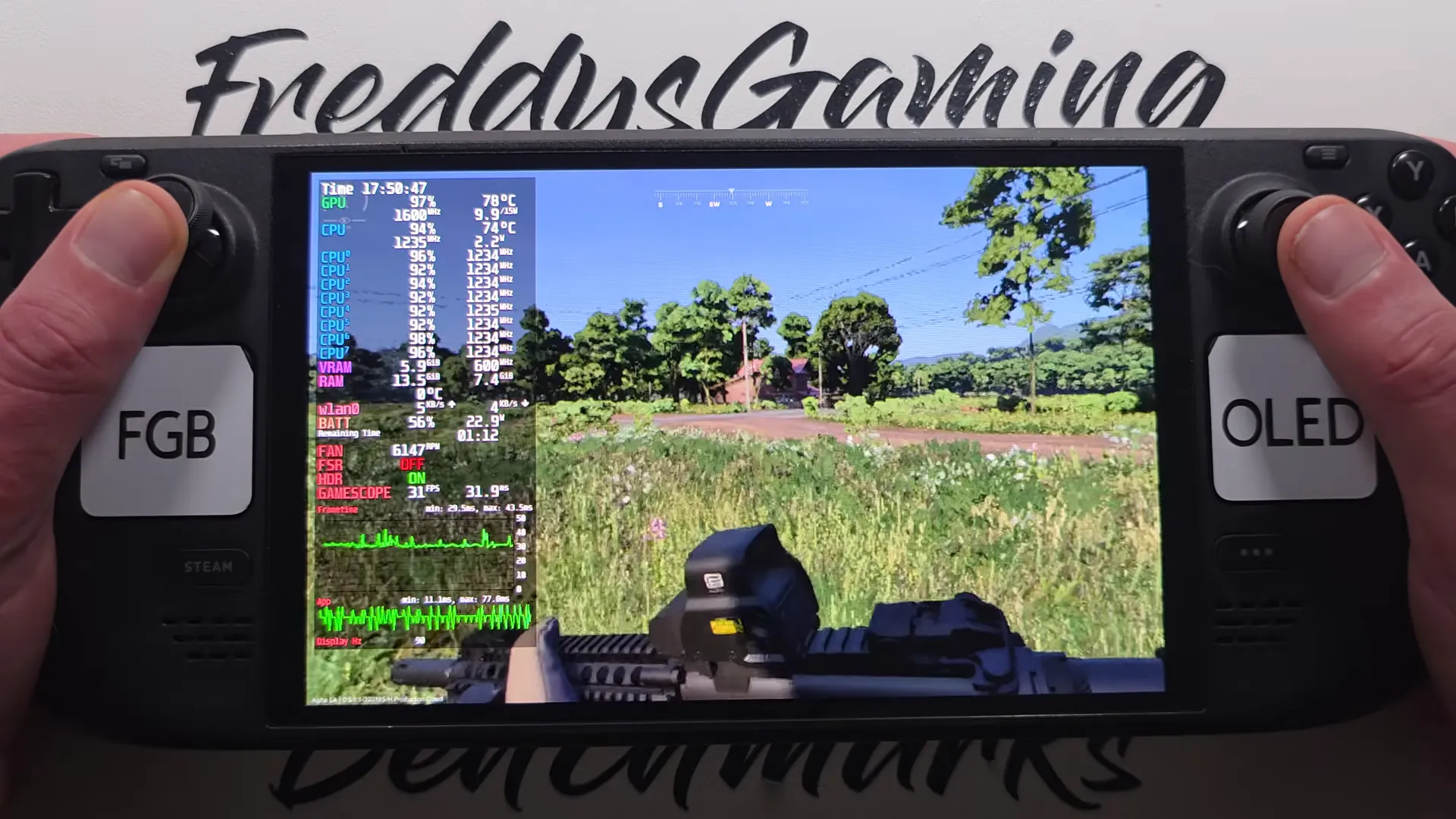
| Steam Deck | SteamOS compatibility and setup |
| Crashing | Crash, memory, and Easy Anti-Cheat fixes |
| Server status | Maintenance, queues, and connection errors |
What are the default Gray Zone Warfare keybinds?
You move with WASD, switch weapons with 1/2/3, and quick loot with Ctrl + left-click. See Gray Zone Warfare keybinds for stance, lean, and remapping.
Can you play Gray Zone Warfare on Steam Deck?
SteamOS is marked unsupported, and one Linux EAC launch error was fixed in the October 22 update. See Gray Zone Warfare on Steam Deck for what that means for setup.
Why does Gray Zone Warfare keep crashing?
Start by verifying your Steam files and turning on automatic paging, then match the fix to your error. See Gray Zone Warfare crash fixes for desktop crashes, memory leaks, and EAC errors.
Is Gray Zone Warfare down right now?
Check the dated official announcements for maintenance before you treat a queue or Network Error as an outage. See Gray Zone Warfare server status for queue and login fixes.